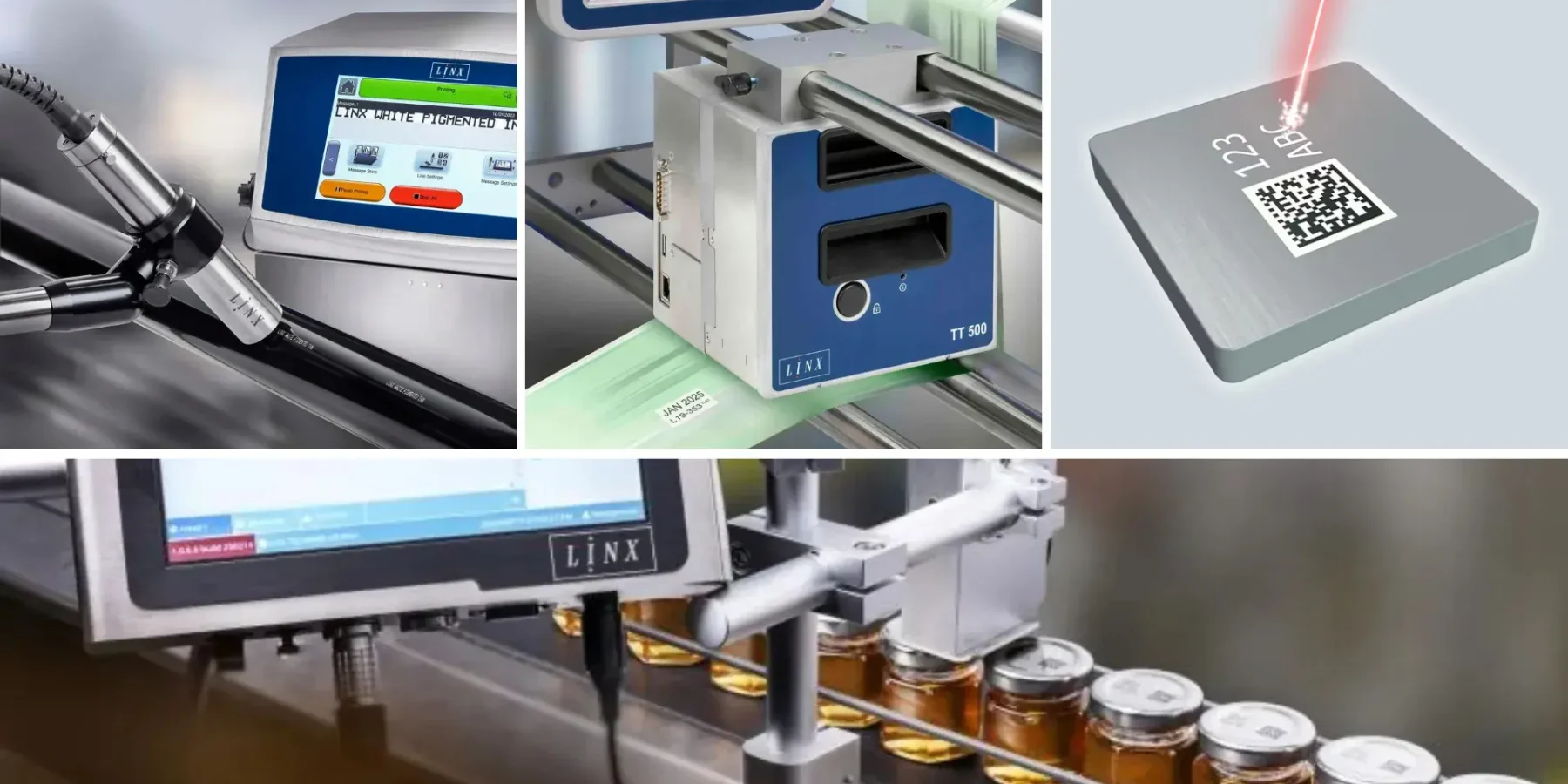
Choosing the ideal industrial printer is a decisive step to ensure efficiency, print quality, and compliance with traceability standards. In industrial environments, where production is continuous and errors generate high costs, using the correct printing technology can mean higher productivity, less waste, and increased brand credibility.
In this article, we clearly and strategically explain how to choose the most suitable industrial printer according to your product type, considering materials, surfaces, production volume, and available technologies.
1. Analyze the Product Type and Printing Surface
The first criterion for a correct choice is understanding where the information will be printed. Each product requires a specific solution.
Products with Rigid Surfaces
Plastic parts, glass, metal, or wood require resistant prints with high adhesion. In these cases, technologies such as laser or industrial inkjet (CIJ) are widely used.
Products with Flexible Packaging
Plastic films, bags, and labels require printers that can keep up with the line speed without compromising print quality.
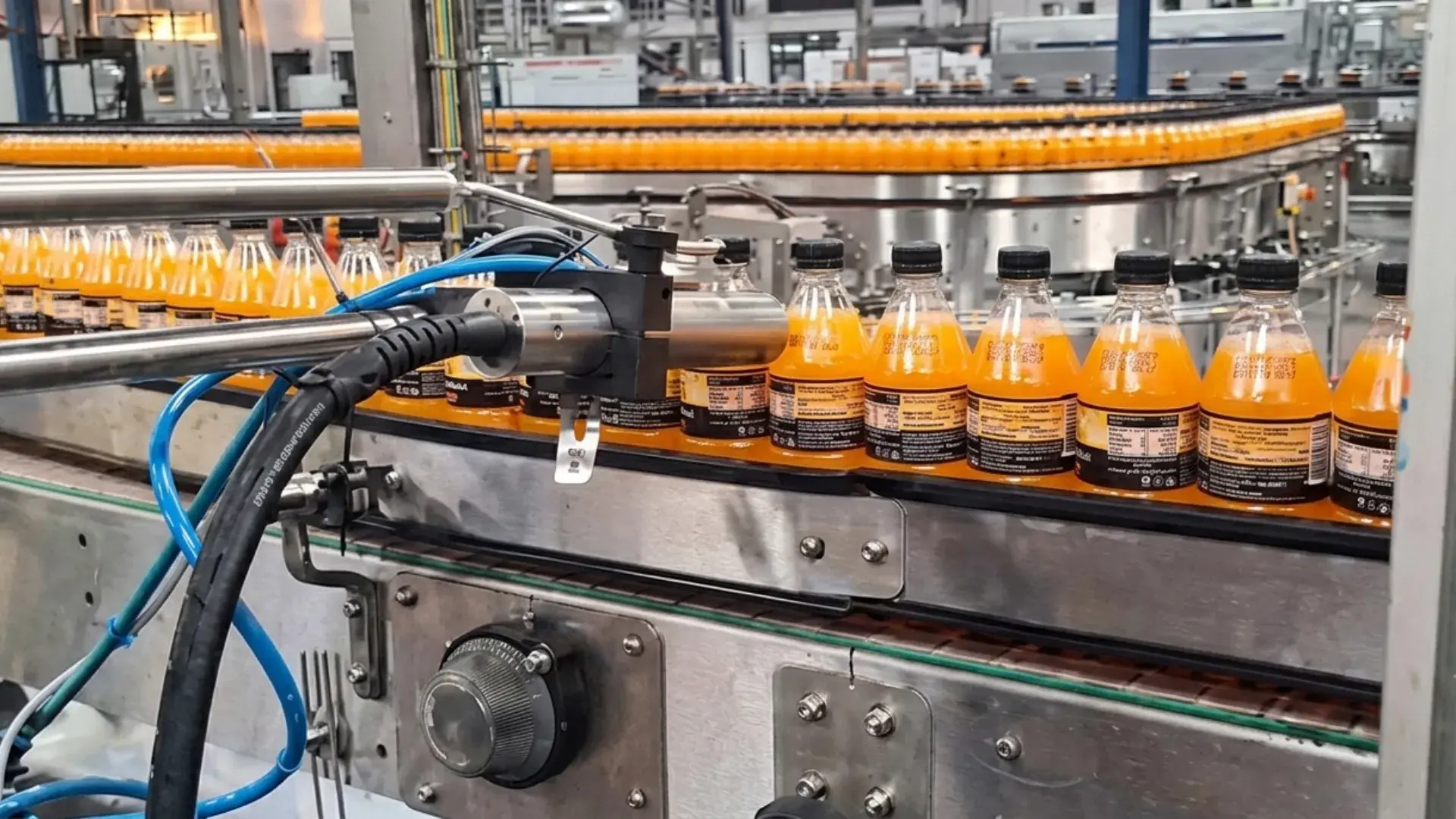
Products with Curved or Irregular Surfaces
Bottles, jars, and tubes require printers that can adapt to the product’s geometry, ensuring readability and correct code placement.
2. Know the Main Industrial Printing Technologies
Each technology meets specific needs. Knowing their characteristics is essential for making the right decision.
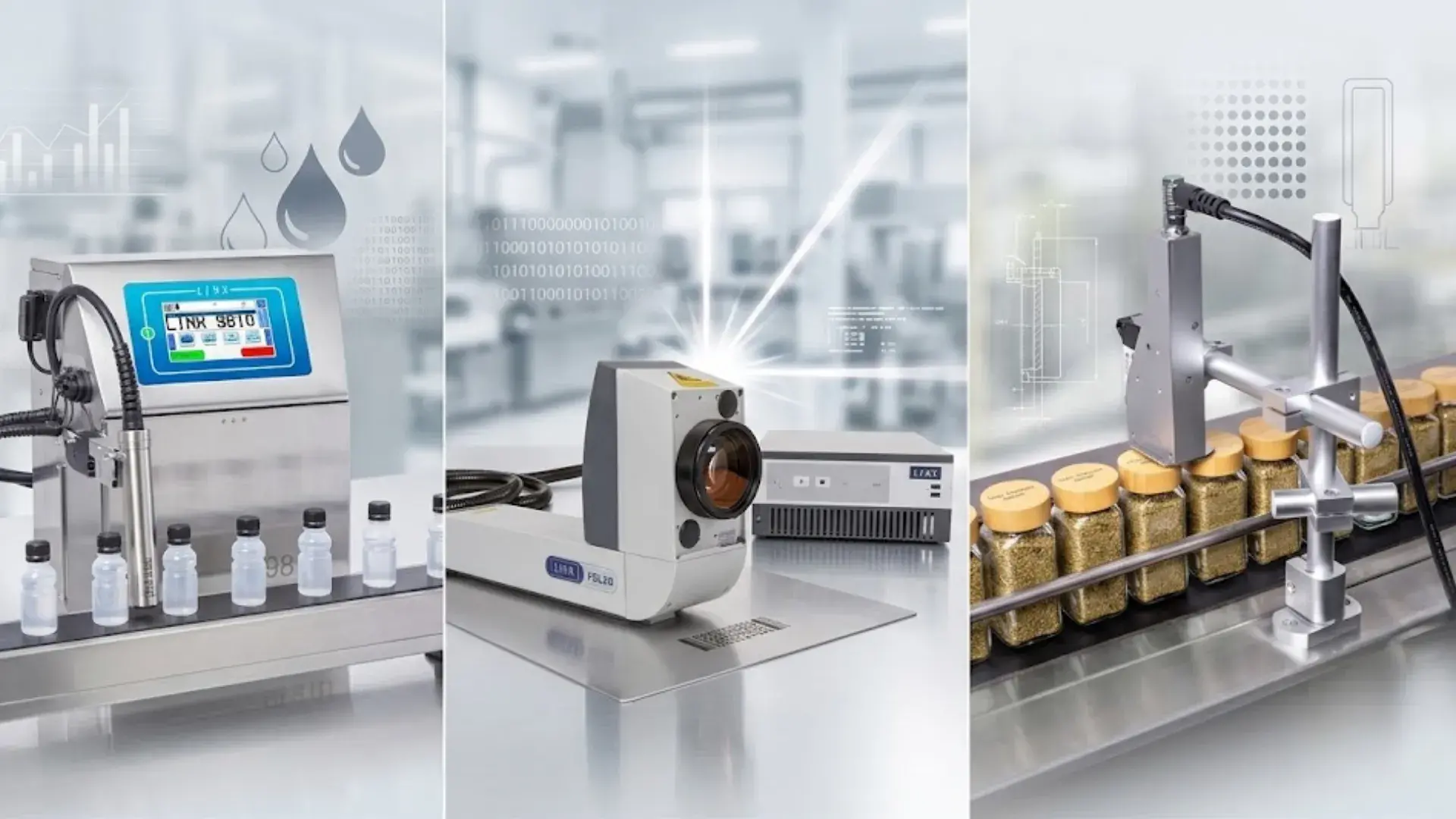
Industrial Inkjet Printers
- Ideal for: batch codes, expiration dates, and variable texts
- Advantages: high speed, versatility, and easy integration into production lines
- Common applications: food, beverages, cosmetics, and pharmaceuticals
Laser Printers
- Ideal for: permanent and high-definition markings
- Advantages: no consumables like ink and excellent durability
- Common applications: premium packaging, cables, glass, and metals
Direct Thermal Printers
- Ideal for: temporary labels
- Advantages: low initial cost and simplicity
- Limitation: lower resistance to heat and time
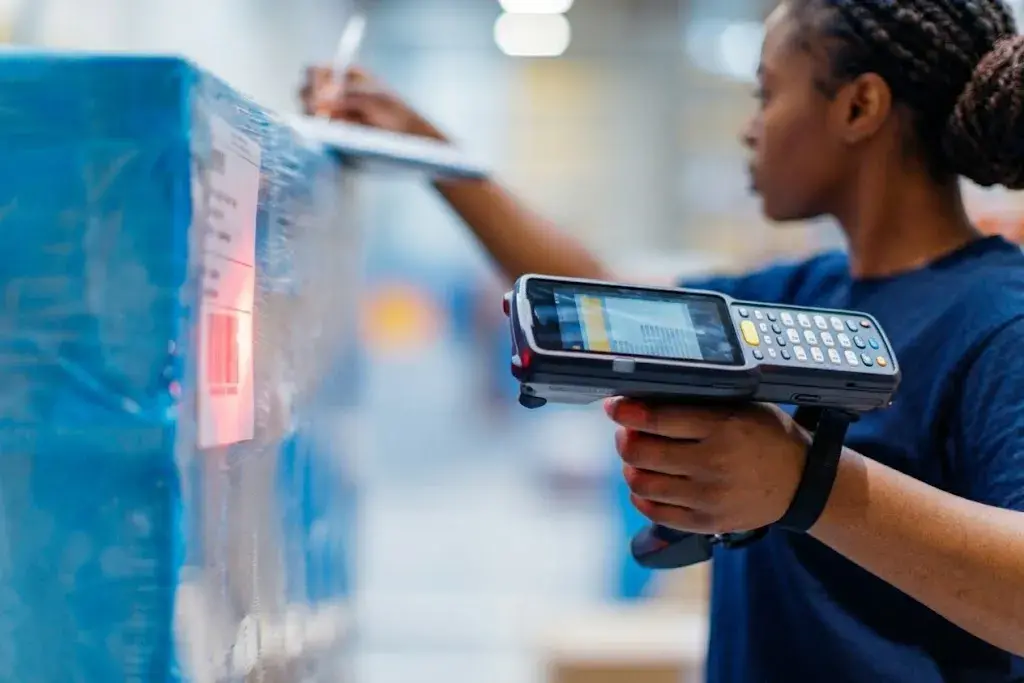
Thermal Transfer Printers
- Ideal for: durable labels and barcodes
- Advantages: high durability and print quality
- Common applications: logistics, warehousing, and chemical industry
3. Evaluate Production Volume and Speed
Another determining factor is the pace of your production line. Industrial printers must keep up without creating bottlenecks.
- High-volume lines require fast and robust equipment
- Smaller productions can use more compact solutions
Incorrect analysis at this point can result in frequent stoppages and loss of efficiency.
4. Print Quality and Resolution
Print resolution directly affects legibility and product traceability.
- High resolution: essential for QR Codes, DataMatrix, and logos
- Standard resolution: sufficient for simple texts and basic codes
Poorly defined prints can cause reading failures and compliance issues.
5. Marking Durability
Consider the conditions the product will face:
- humidity
- friction
- chemicals
- sunlight
The chosen technology must ensure the marking remains readable throughout the product’s lifecycle.
6. System Integration and Automation
Modern industrial printers should easily integrate with:
- ERP systems
- traceability software
- industrial automation systems
This integration reduces human errors, improves data control, and increases operational efficiency.
7. Total Cost of Ownership (TCO)
More important than the initial price is analyzing the total cost of ownership, which includes:
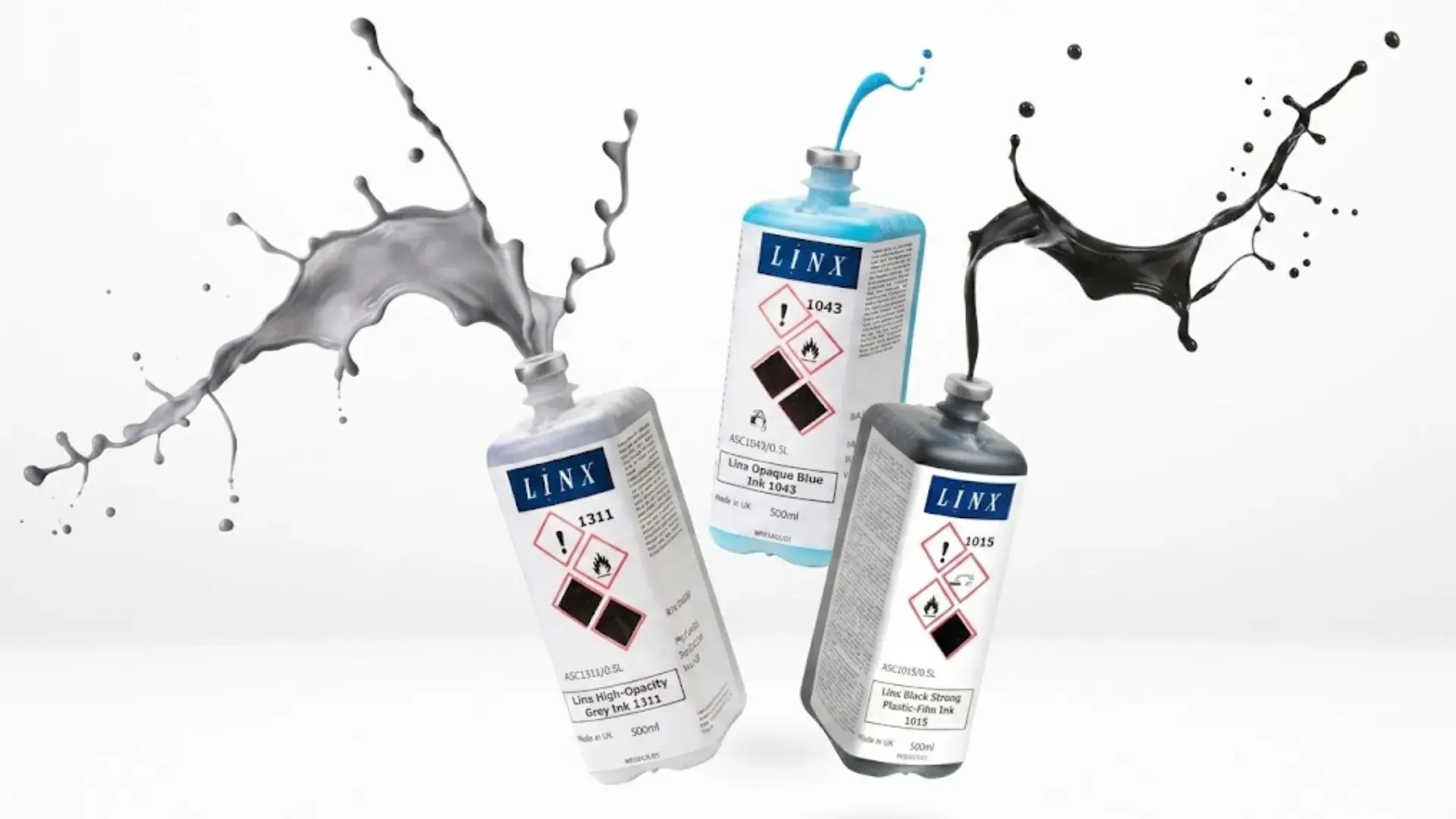
- consumables
- maintenance
- downtime
- technical support
A more robust printer can represent significant savings in the medium and long term.